

About Minuta
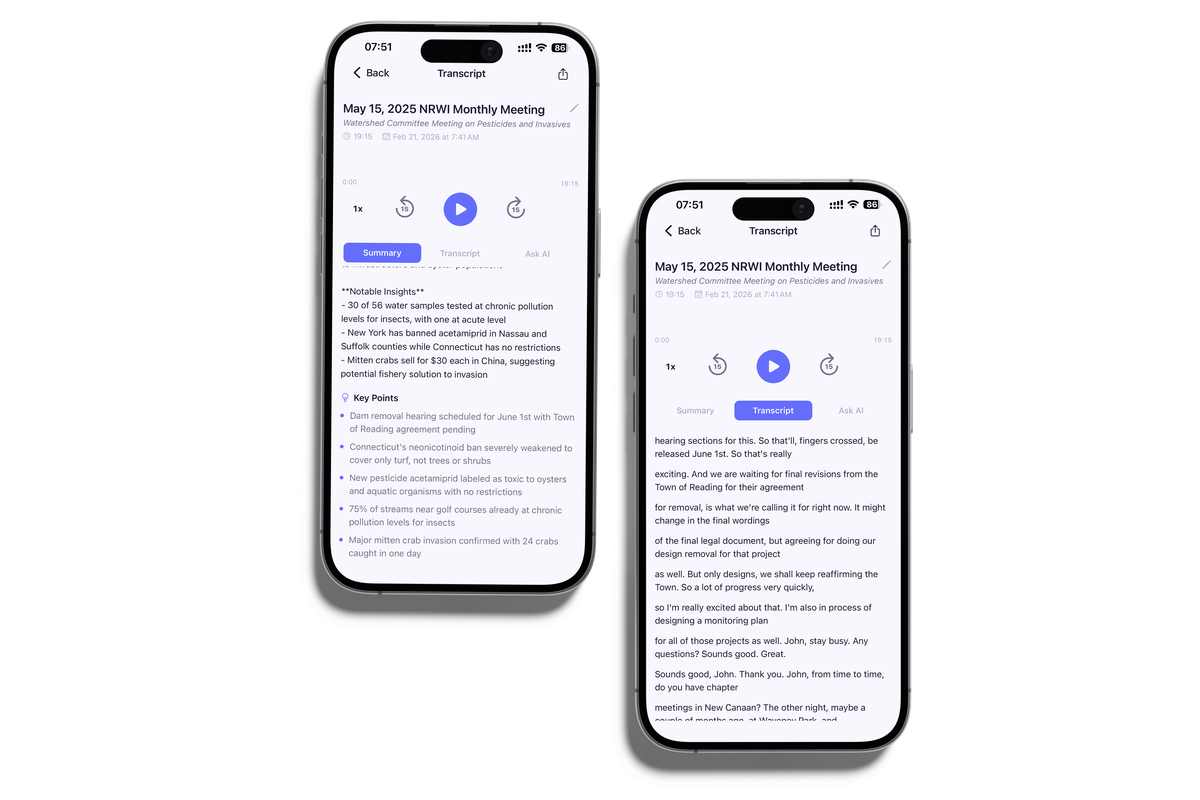
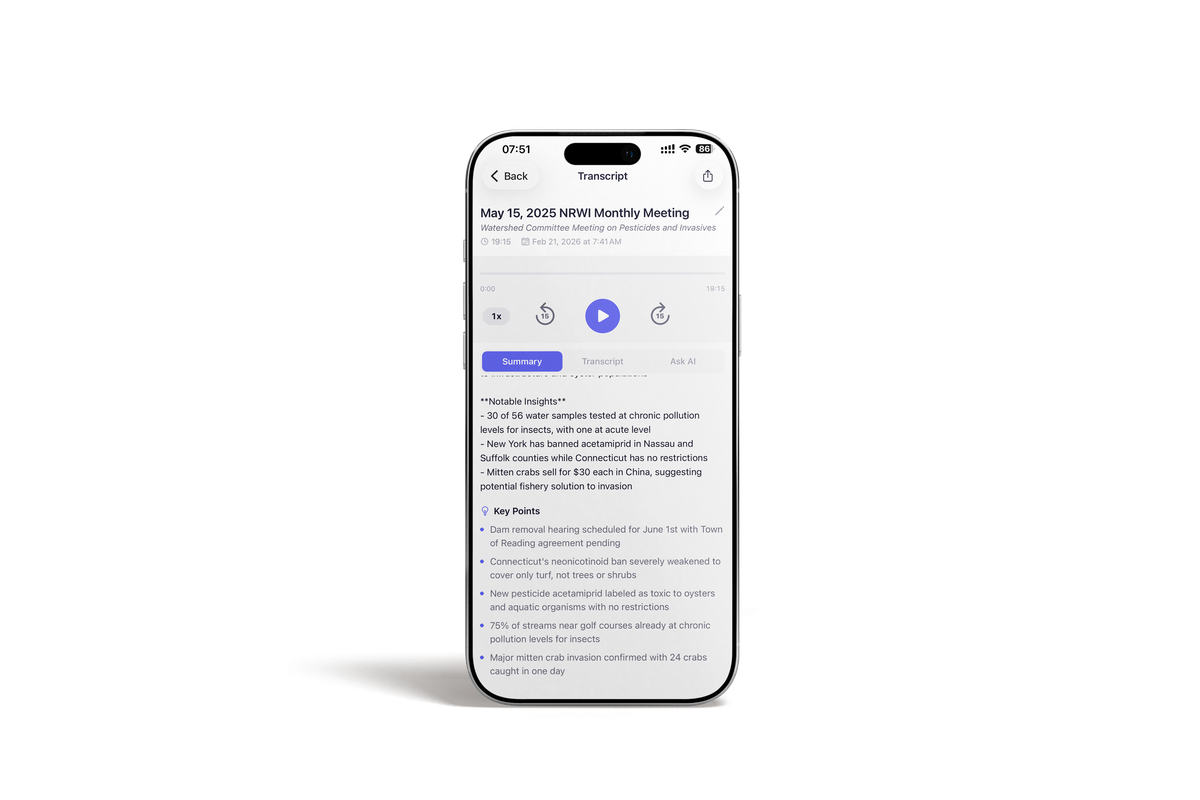
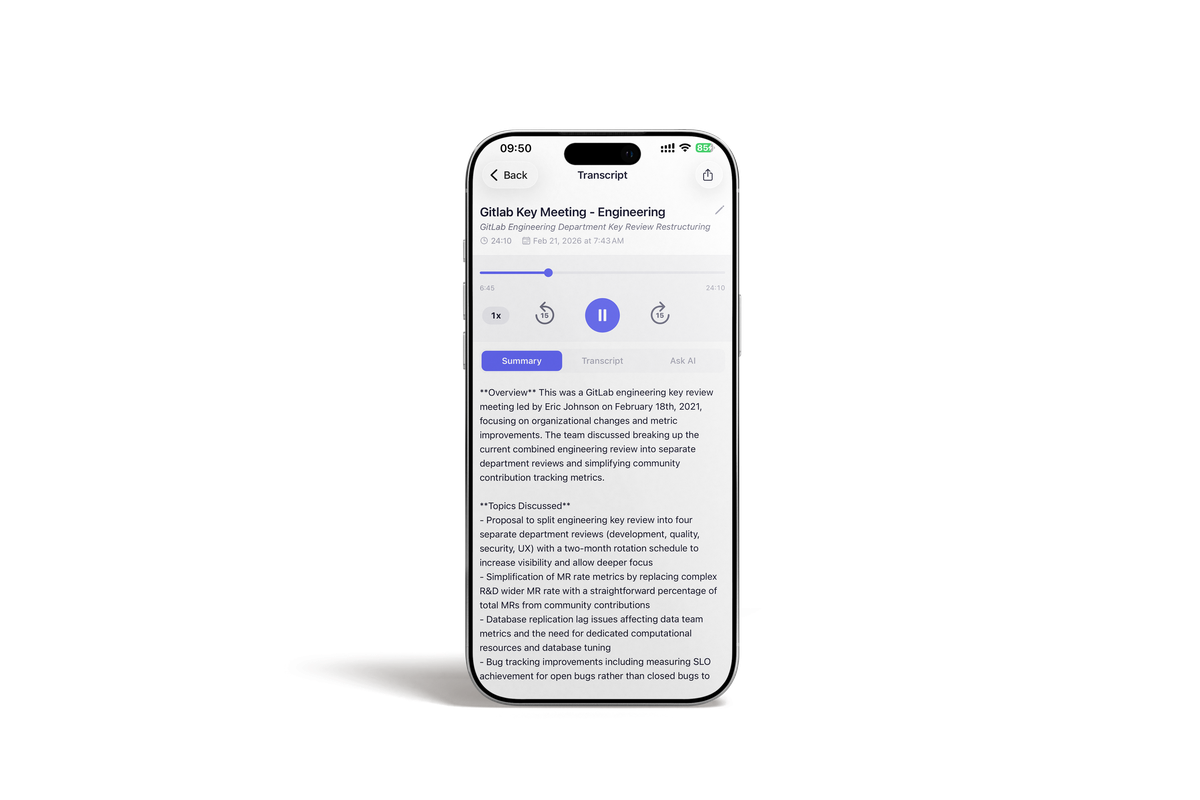
Minuta is an AI-powered transcription and note-taking app available on iOS and Android. It automatically transcribes audio recordings and generates structured AI summaries with key points and action items. Minuta is designed for professionals, students, and anyone who needs accurate records of spoken conversations.
Use cases
- Meeting notes and summaries for business teams
- Lecture transcription for students and educators
- Consultation note-taking for doctors, lawyers, and therapists
- Interview transcription for journalists and researchers
- YouTube video transcription and summarization
Key features
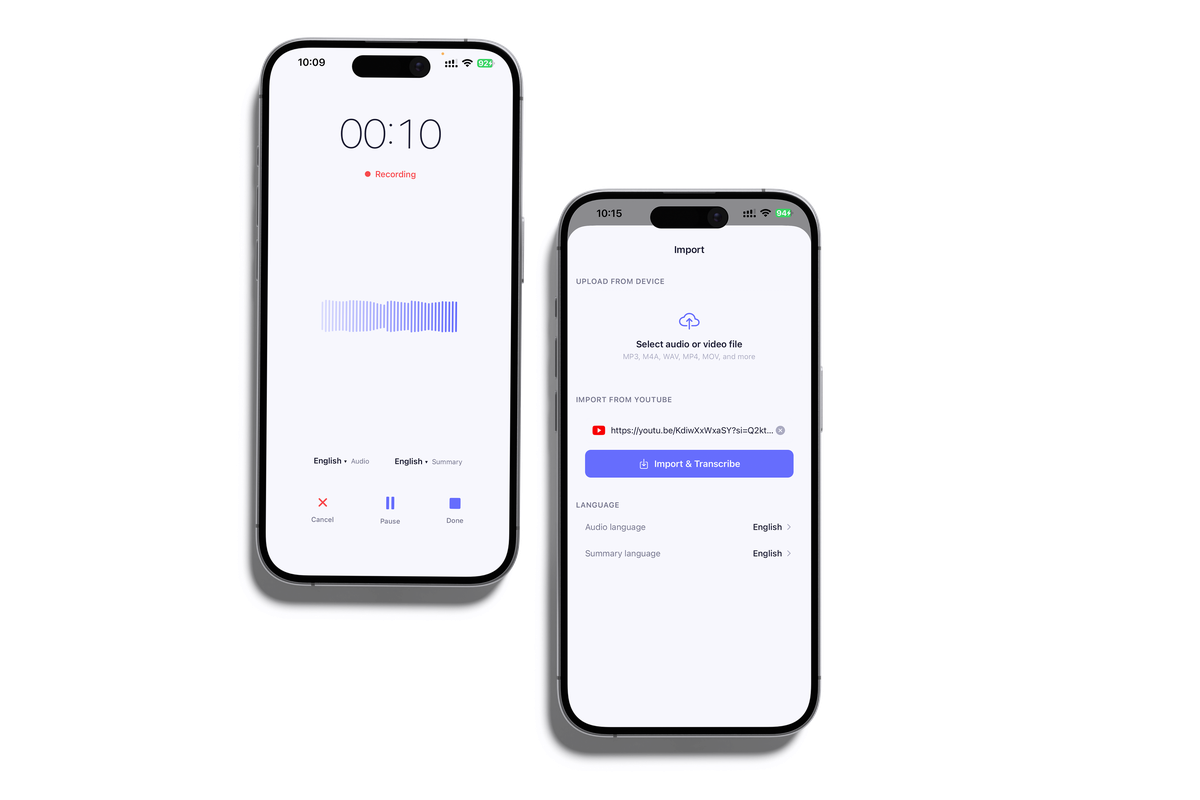
- Record audio live or upload MP3, M4A, WAV files
- Import YouTube videos by URL for instant transcription
- AI-generated summaries with key points and action items
- Full word-for-word transcripts with speaker labels and timestamps
- Supports transcription in 50+ languages
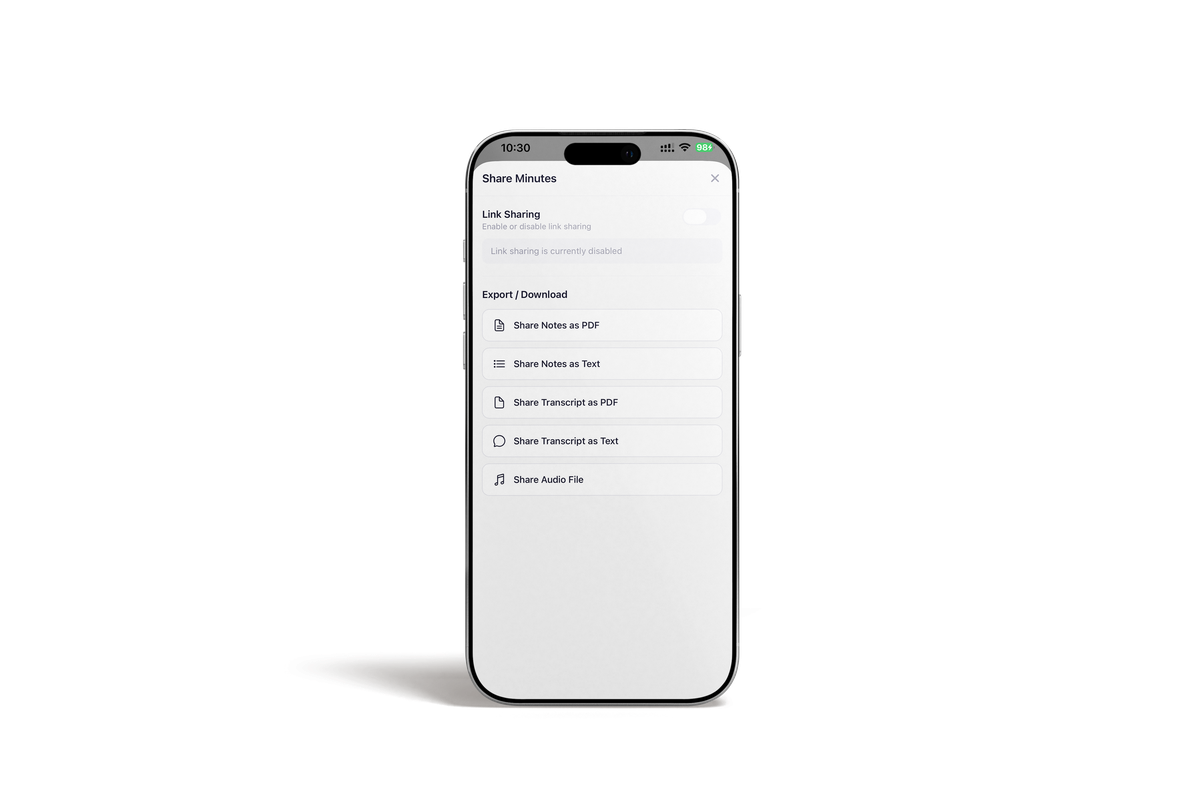
- Export notes as PDF or plain text
- Share a public link to any summary
- Users can permanently delete their account and all data at any time
Pricing
Minuta is free to download. A Pro subscription unlocks unlimited recordings and all AI features. Available on the Apple App Store and Google Play.
Download
iOS: https://apps.apple.com/app/minuta/id6737159119
Android: https://play.google.com/store/apps/details?id=com.minutesai.app
Website: https://minuta.app
Support: support@aplivo.eu